Worldwide Delivery | Rated Excellent by Trustpilot




Paceman SimFX Bowling Simulator (machine not included)
Pay in 3 interest-free instalments with PayPal · Earn rewards with this purchase
Chat with one of our cricket equipment experts on WhatsApp.
Paceman SimFX Bowling Simulator (machine not included)
Bring Your Paceman to Life with the New SimFX. A simple add-on that transforms the way you practise.
The biggest breakthrough in cricket technology.
The SimFX offers realistic visual synchronisation between bowler and your Paceman machine to deliver the ultimate batting experience.
- Real-life LED-generated bowling video
- Allows batter to pre-empt delivery timing
- Easy to set up and install
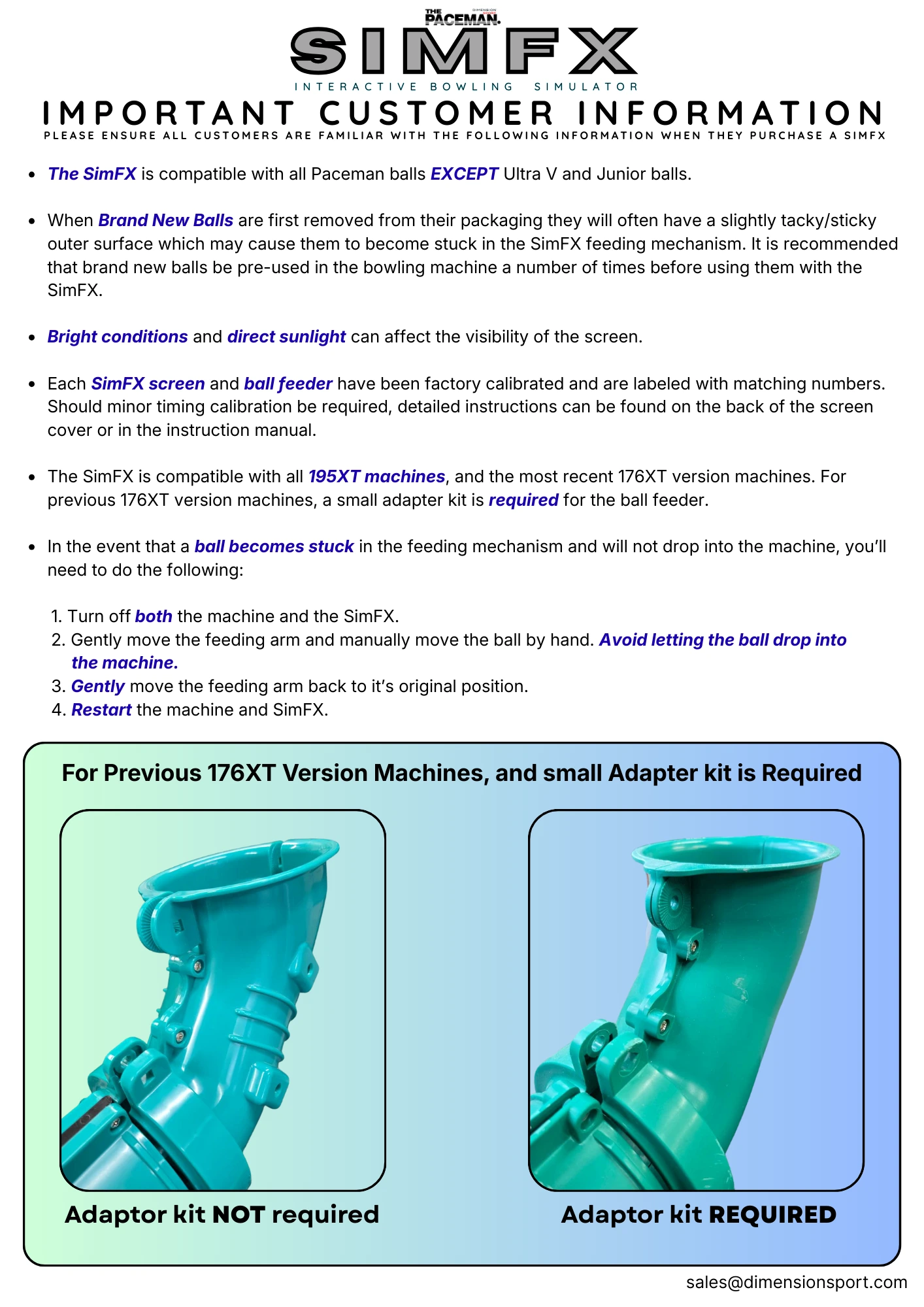
- Compatible only with Paceman 176XT & 195XT bowling machines
You know how it goes. You stick the Paceman out in the garden or the nets, fire up a bucket of balls, and after a while the repetition becomes… well, repetitive. Great for muscle memory, but it doesn’t always feel like facing a real bowler. The SimFX changes that - and honestly, in a way you don’t quite expect until you see it running.
It’s a lightweight projection system that syncs with your Paceman and gives you a visual bowler to face, complete with a virtual run-up and motion cues. Suddenly your “bowling machine session” becomes actual game-sense training.
Benefits of the SimFX
Better timing instinct
Watching a bowler’s action pulls your eyes and brain into a rhythm that standard machines never give you. You react earlier, cleaner, and more naturally.
Sharper footwork
Because you’re reading a ‘bowler’ rather than a ball feeder, you start moving like you would in a match instead of planting early.
More engaging sessions
If the person you bought the Paceman for is a young cricketer, this is the kind of upgrade that keeps them practising longer without feeling like practice.
Fits your current setup
You don’t need a new machine, extra power, or a complicated rig. SimFX works with an existing Paceman (176XT or 195XT only); you just position it, plug in, and run the companion content.
Be the first to review this one. If you have bought it from us, we would like to know how you got on with it.
Video
Click on a thumbnail to load the video

RECOMMENDED ACCESSORIES
SIMILAR PRODUCTS
FREQUENTLY BOUGHT WITH THIS
RECENTLY VIEWED


